
Jigsaw puzzle maker
Jigsaw puzzle maker for laser cutting: photo, heart, person outline and name puzzles
Personalised puzzles sell all year round, but drawing the tabs by hand is slow. Pick the photo, the shape and the number of pieces and you get the right cut file for your machine, plus the image to print.
Create a free professional account →Runs in your browser, on desktop and mobile. Nothing to install. In English and Portuguese.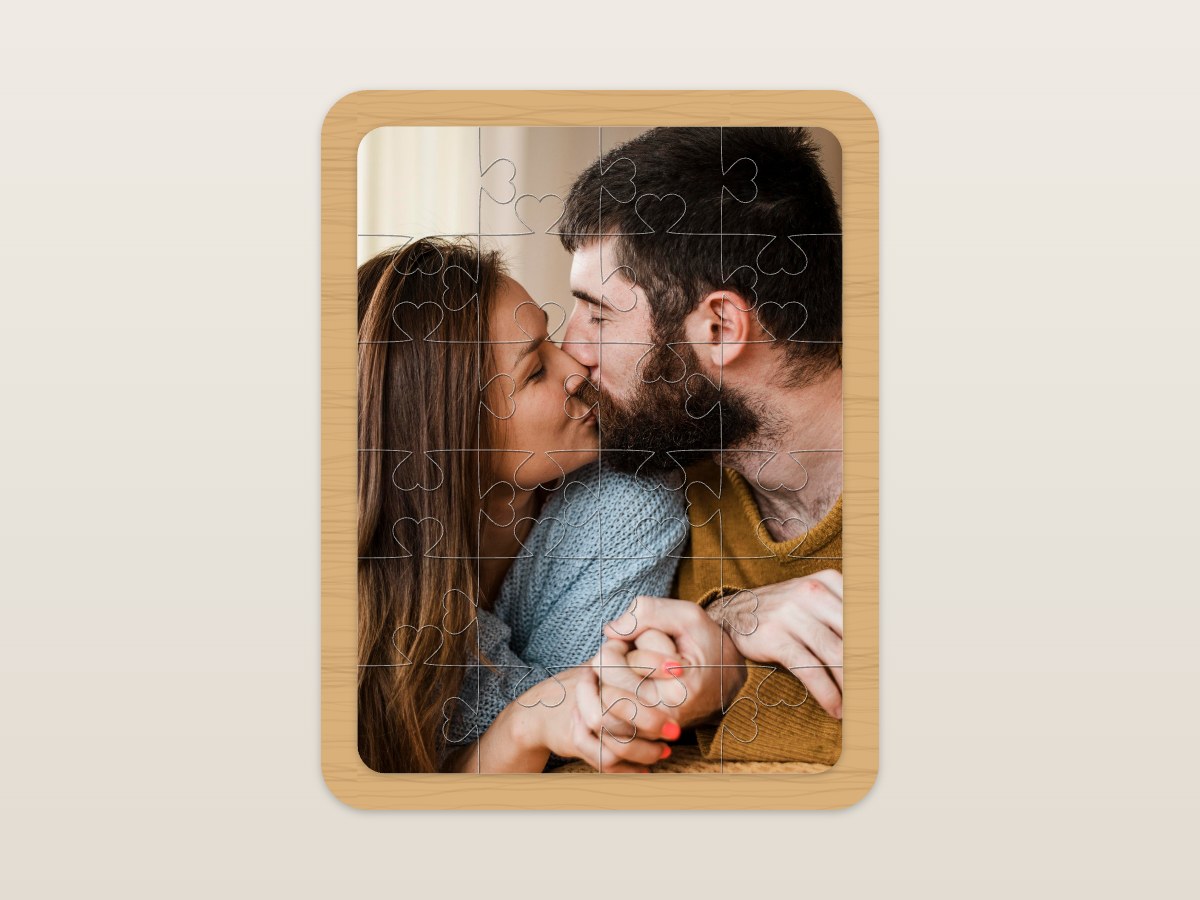
Who it's for
- Laser workshops with a UV or sublimation printer
- Personalised gift and toy shops
- Schools and anyone making name puzzles for kids
- Special orders: a message piece for marriage proposals
How it works, step by step
Puzzle type
Photo puzzle (classic tabs) or name puzzle (each letter is a piece).
Photo and shape
Rectangle, heart, circle or the person's outline, found by AI. Small tips merge into neighbouring pieces so they don't break.
Size and pieces
From 50 to 1200 mm, and from Easy (12) to Master (300 pieces), or custom rows and columns.
Style and extras
Tab style, frame, rounded corners and a special message piece.
Download
Vector cut file and UV print image, aligned with each other.
What you get
- Shapes: rectangle, heart, circle and person outline (AI)
- 12 to 300 pieces, up to 30 × 30
- Name puzzles for kids
- Frame and special message piece
- Free with a professional account
How the professional account works
Create your account, free
With your business name and tax number (VAT or Tax ID; NIF in Portugal). You get 10 free credits.
Use the free tools
Vectorising, background removal, DTF prep, photo to laser, puzzles and neon don't use credits.
Credits only when you want
Pro AI and premium tools use credits or a monthly plan, with no lock-in. AI is never switched on by default.
Frequently asked questions
Which material should I use?
3 mm MDF is the most common; the Studio lets you choose the material and the machine.
How do I print the photo?
Download the image aligned with the cut and print it with UV or sublimation before cutting.
Won't small pieces break?
In person-shaped puzzles, the smallest tips are merged into the neighbouring pieces.
Try it with your own jobs
Built by a personalisation workshop that produces with laser, UV and DTF every day. Create your account and start with the free tools.